
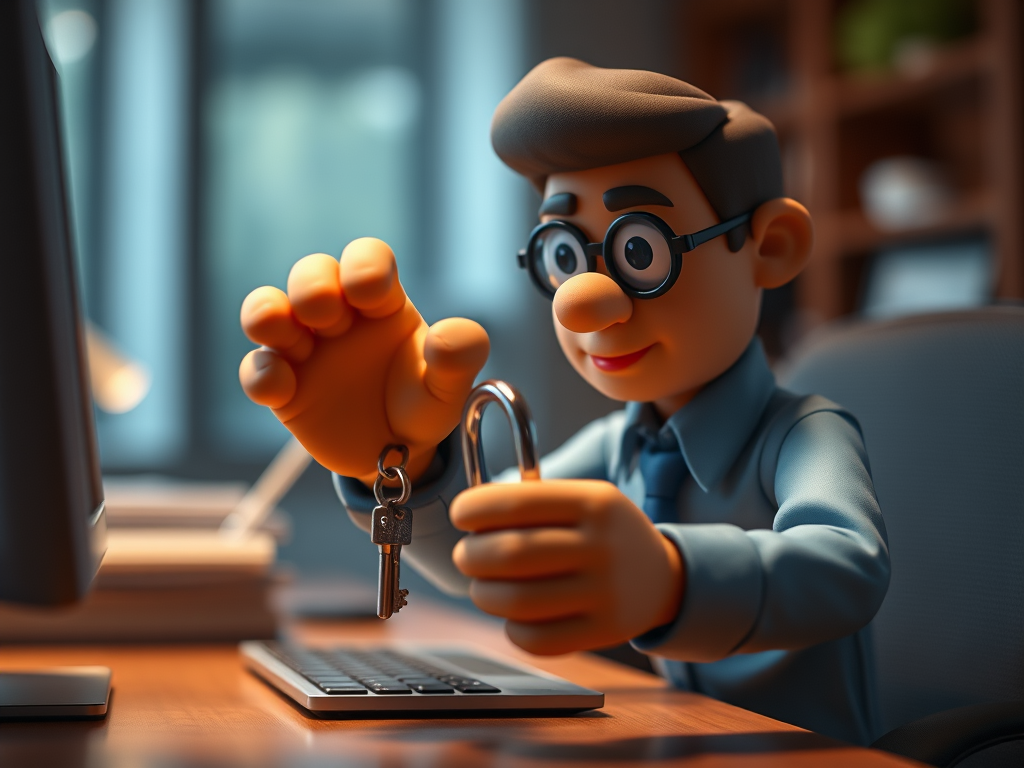
Passwords! Can’t live with them and can’t live without them 😉
They can be the bane of our online lives, but there are some tricks to make things a bit easier.
I hope you all know to use different passwords for different sites, and not to make them too obvious (‘1234’ comes to mind). But remembering all these passwords is a challenge even for the most organised person; the best way is a password manager, which is a program that collects all your passwords and presents them to you when needed, all you need to remember is ONE master password.
Some browsers (Chrome, Edge…) have this built in (when it asks you to remember the password), but you can also get free programs that work across any browser and device and that automatically create safe passwords for you.
Second best option would be a ‘little black book’ of any colour, where you note all your passwords, make sure to add the user id and the website. Needless to say, guard this book with your life and don’t leave it lying around.
Ideas for safe passwords include using the starting letters of a song or poem, e.g. ‘Hdsoaw’ – Humpty Dumpty Sat On A Wall, easy to remember but hard to guess.
Or use 3,4 or 5 unrelated words, like leftelephantrugbyhouse – who would guess that or find it in a dictionary?
There are other ways to identify yourself, for example your fingerprint reader on your phone or tablet, or your face or a special dongle you have to plug into your computer, but these are only available on a limited number of devices and sites.
Industry is working on making things easier for us, but until then we just have to learn to
work with what they give us.
 Ask Ursula - Tech Help