
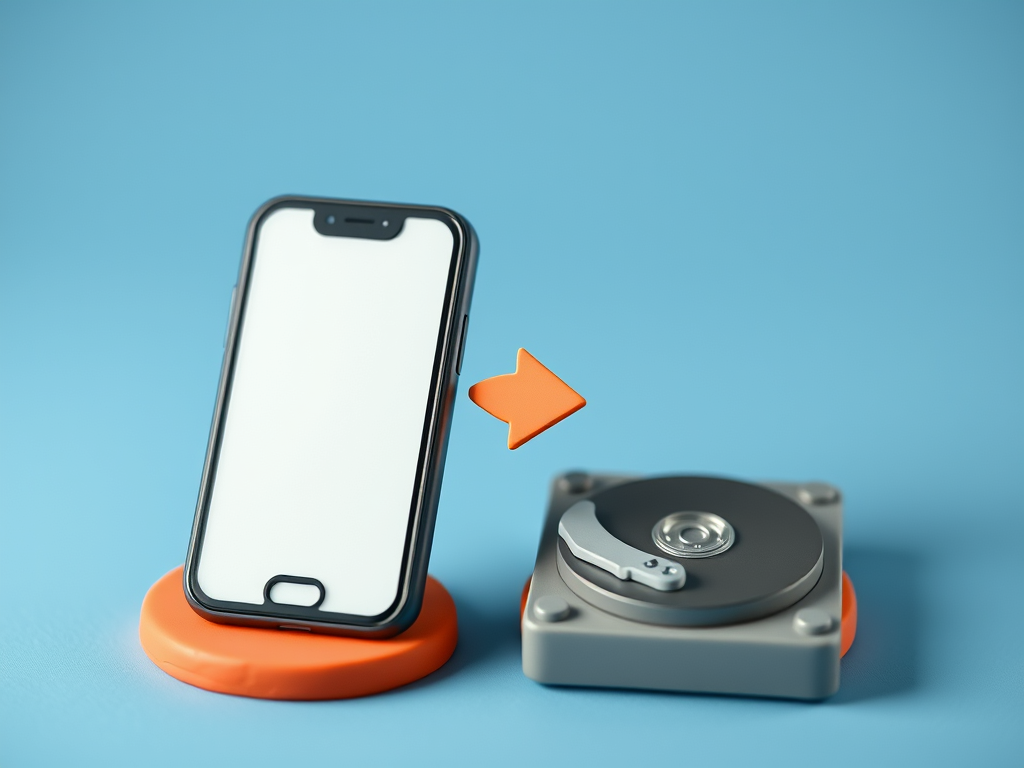
Recently, a friend of mine had to send in her phone to be repaired and was told to back it up. She
thought she did, but when it came back it was factory reset and the backups she thought she took were
very limited. We did eventually get most of her things back, but it reminded me that automatic backups might not do all that you require.
Both Android (Samsung, Nokia etc) and iPhones generally are set up to backup your contacts, photos
and files to the cloud (Google Drive, iCloud), so you can then download them again when something
happens to your phone, BUT and this is a big but, it might not always work correctly. The main problems are:
- You are not connected to the internet often or long enough to actually upload (send to the
cloud) these files - Your cloud storage is full and will not accept any new files
- Your backups are not set up correctly
You should go into ‘Settings’ on your phone and search for ‘Backup’ and check what is actually
happening. It should tell you which things are backed up and if there have been any problems with
backing up. The minimum should be contacts and photos. But anything you do not want to lose (perhaps you use calendar for your appointments) should be included.
If you want to be extra sure that everything is backed up, you can always connect your phone to a
computer with the USB (charge) cable and copy all the files from the phone to the computer.
Now go and check if your backups are working 🙂
 Ask Ursula - Tech Help