
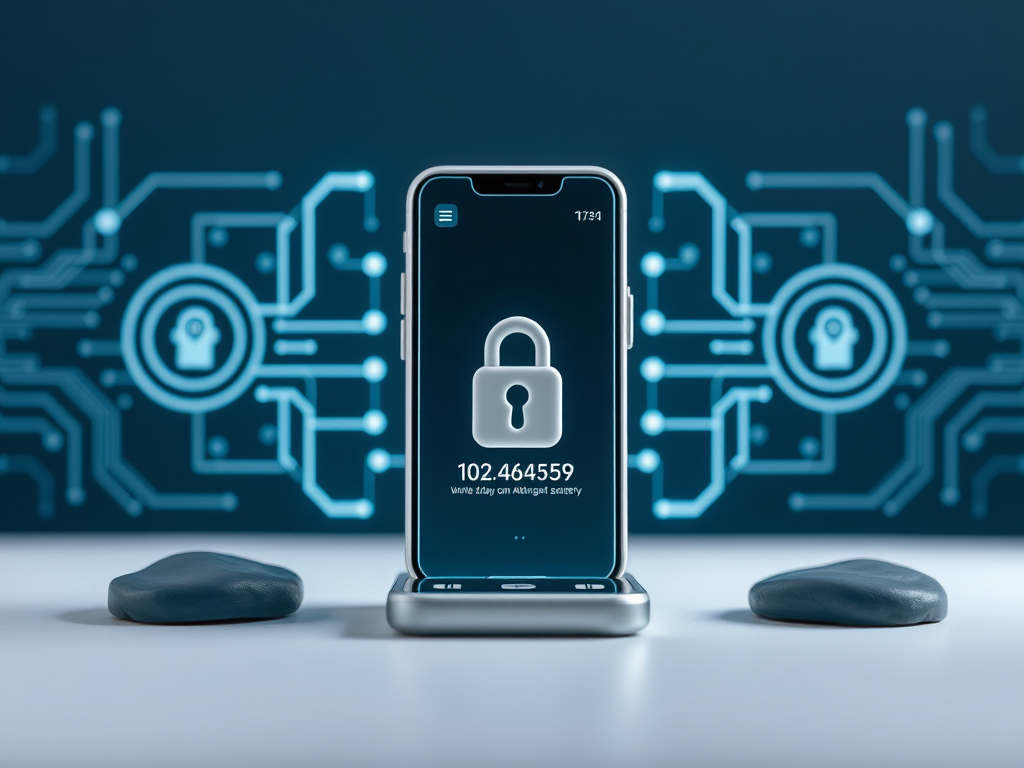
More and more websites and apps are now using 2FA or two-factor-authentication,but what
is it?
One of my favourite Tech-Explainers (AskLeo.com) puts it like this:
“Two-factor authentication adds something you have — like a mobile device — or something you are — like your fingerprint — to something you know — your password — to confirm you are authorised to access an account. There are contingencies for losing your second factor, as well as ways to make two-factor less intrusive in day-to-day use. Even if they know your password, hackers can’t get in with two-factor enabled. This is how two-factor authentication keeps you secure.”
Generally you sign in as usual (that’s the first factor of authentication) and then you will get a code sent to your phone via email or SMS that you will have to enter into the login screen as well. That is the second factor of authentication.
That second factor can also be from an authentication app (e.g. Google Authenticator, Aegis, etc) that will create these random codes for you once it has been set up with the website.
Or, if you have fingerprints or face unlock on you can use that.
A website generally only requires the second factor when logging in on an new device or if you haven’t signed in for a long time. And there are still ways to recover your account if you have lost a device that you used for authentication.
With all important accounts (email, payments, etc) it is essential that you provide at least one recovery email address or phone number in case you have no longer access to a particular device or you have forgotten your password. These handy ‘Forgotten Password’ links only work if you can proof in another way that you are who you say you are, with a second email address, a phone number or other identifying items. If you do not have a recovery option and forget your password, there is usually nothing you can do to recover the account and you will lose access to it permanently. This also applies to your Facebook account, but that is a subject for another article soon.
Discover more from Ask Ursula - Tech Help
Subscribe to get the latest posts sent to your email.
 Ask Ursula - Tech Help