
Have you heard of Google Lens? If you have an Android phone (Samsung, Nokia etc) chances are it is
already on your phone ready to use. On iPhone, you can download the Google app from the Appstore
(there is a limited version in your photos app, but Lens can do a lot more).
By using Lens you can find out about buildings, plants, animals that you see, find a recipe by scanning a
photo of the finished dish, translate foreign language text, explain exotic items on a restaurant menu and
lots more.
It can read out the small print on pill bottles, chargers, ingredients lists or cooking instructions on food
items (great when you forgot your glasses)
You can scan phone numbers to make a call, business cards to add the details to your contact, event
details to add to your calendar (these last three might or might not work-depending on the text
scanned).
You can scan a broken or dismantled mechanical part and add ‘how to fix this’ in the text box underneath
the photo to get instructions from the web.
You can also scan the login sticker on the back of your Wi-Fi router and having Lens log in automatically.
The limit is your imagination, as they say.
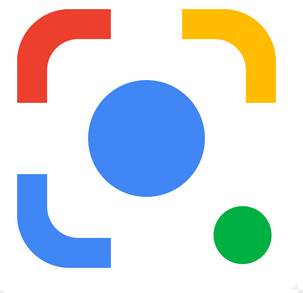
All you have to do is select the Lens icon on your Google search bar and point the camera at the item
you want to know more about and press the button.

Or sometimes the camera icon looks like this:
Go and experiment, point your Lens camera at all sorts of things and see what you can find out 🙂
Discover more from Ask Ursula - Tech Help
Subscribe to get the latest posts sent to your email.
 Ask Ursula - Tech Help