
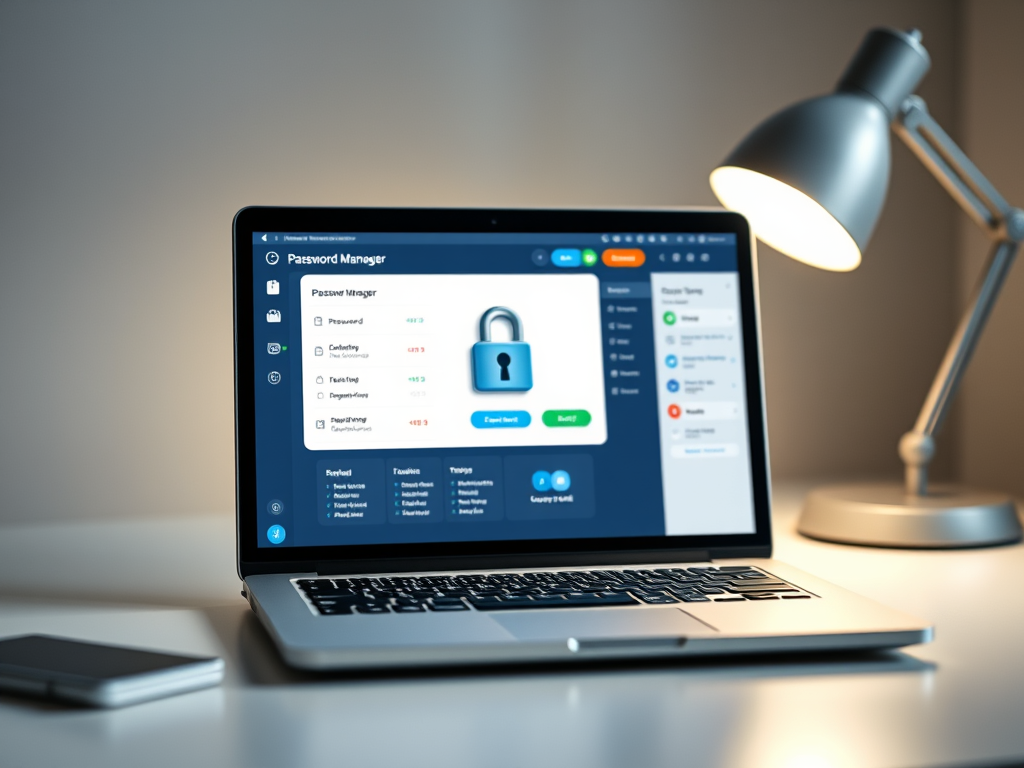
Passwords seem to be the bane of our online lives – but there is a way to make it so much easier.
Use a password manager!
A password manager is a small program/database that keeps all your passwords in a secure and easy to
access location. As an added bonus, it also can create strong passwords of any length, fill them in
automatically in any website and all you have to remember is the one strong password that allows you
access to all of them.
The file is encrypted and can only be accessed by using the correct master password. Even if someone
managed to get the file, they still cannot see any data in it – not even the provider of the password
manager can access the file.
There are many password managers out there – most browsers (Chrome, Edge, Firefox…) have one built
in. Or you could download and use a third party program like Bitwarden, ProtonPass or 1Password.
Compare features, ease of use and cost; many offer free versions with basic features that are perfect for
most home users.
But whatever you use, secure it with a strong password and do not forget it. If you use your browser to
store passwords, make sure that your device is secured with a password or pin as anyone with access to
your browser might be able to access your passwords as well.
Discover more from Ask Ursula - Tech Help
Subscribe to get the latest posts sent to your email.
 Ask Ursula - Tech Help